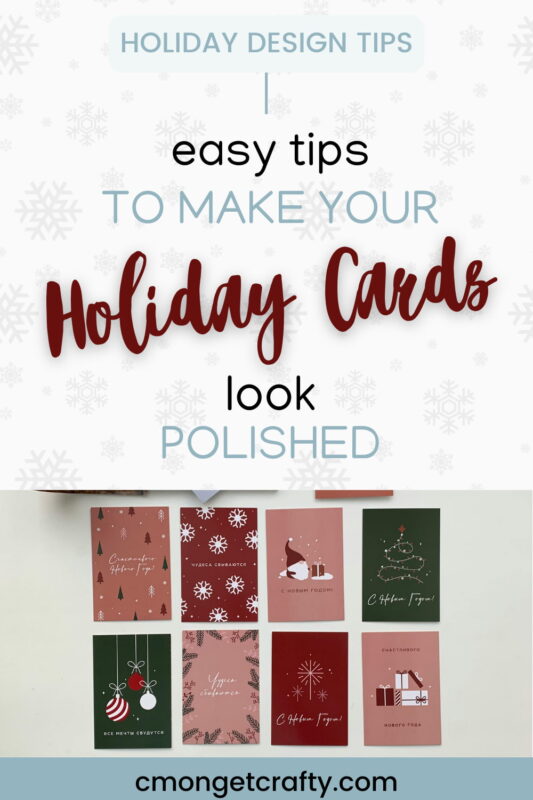
Holiday cards seem small, but they carry a surprising amount of emotional weight. They can be sweet, nostalgic, or “oh look, we all managed to smile at the same time.” If you’re a parent squeezing holiday design attempts between school drives, or a business owner hoping your card doesn’t scream “I made this during lunch,” you want your cards to look polished.
Here’s the twist: you don’t need a degree in design to make that happen.
What you do need are a handful of simple, repeatable techniques – plus an understanding of what makes a card look polished instead of homemade-in-a-rush. And with so many accessible tools (including AI-driven ones) available today, anyone can build a card that looks like it came straight from a boutique print shop. And yes, you can take these tips into Canva immediately.
Let’s get into it.
PSST – I use affiliate links on my website, from Amazon as well as others – this means if you click my links, I may earn a little money at no cost to you! As an Amazon Associate I earn from qualifying purchases. I appreciate your support of my blog, and if you have questions, you can see my disclosure policy here. Thank you!
Why Professional-Looking Holiday Cards Matter
Holiday cards are part artwork, part keepsake, part memory-preservation. The Greeting Card Association reports that 6.5 billion greeting cards are purchased every year, and holiday cards dominate that number. People notice quality, which is why those pretty foil and textured finishes always cost more. Presentation matters, even when the card is going straight onto someone’s fridge.
But remember: the feeling behind the card is what people remember. Your design simply helps that feeling shine a little brighter.
All of this points to one idea: presentation matters. A lot.
So let’s figure out how to create something beautiful.
Start With a Strong Layout
You can think of a layout as the “map” of your holiday card. It guides the viewer’s eye, sets the mood, and provides instant structure.
Symmetry Can Be Your Friend
Research shows symmetrical layouts are naturally more appealing, which basically means centering things can save your whole design. If you ever feel stuck, try placing your main photo in the center and building around it! Simply centering your headline, image, and message can boost the “professional” factor right away.
Create a Clear Focal Point
Your card needs one star. One photo, one illustration, one message. Otherwise things start fighting for attention like toddlers who all want the red cup.
Try:
- Placing your main image in the top or middle third
- Making your headline clearly larger
- Clearing clutter around your main element
Try the Rule of Thirds
Divide the card like a tic-tac-toe board and place important elements near the intersections. Designers use this all the time because it just works.
Simple. Effective.
Templates are not Cheating
Let’s normalize something: designers use templates too. It’s called working smarter.
If you’re pressed for time, templates are your best friend. Many platforms offer drag-and-drop holiday card designs you can customize in a few minutes.
Why templates work:
- Someone already handled the spacing, flow, and visual balance
- You avoid common mistakes like overcrowding
- You get an instant professionally structured base
They’re especially useful if you’re ordering Christmas cards and want the printed versions to look polished without needing to fuss over proportions or alignment yourself.
Platforms have themes for every aesthetic: cozy, modern, nostalgic, minimalist, bold. Start with something that fits your style instead of reinventing the wheel.
You’ll thank yourself later.
Choose a Cohesive Color Palette
Color sets the tone before the message even registers. According to Pantone Color Institute research, color influences whether people perceive something as premium. Color impacts mood faster than any other element, and the statistics back it up.
That means your card color scheme does some heavy lifting.
Pick 2–3 Main Colors
Holiday cards often look their best when limited to a small palette. Some great combos:
- Deep red + soft white + gold
- Forest green + cream
- Navy + silver
- Blush + warm neutral tones
Use Color Contrast Wisely
Dark text on light backgrounds is easier to read. Same goes for light text on dark backgrounds. Stick to simple contrast and your card instantly feels cleaner.
The Adobe Creative Trends Report 2024 found that high-contrast type usage increased 28% year-over-year due to improved readability. A simple rule: dark text on a light background (or vice versa) is almost always easier to read.
Seasonal Doesn’t Have to Mean Traditional
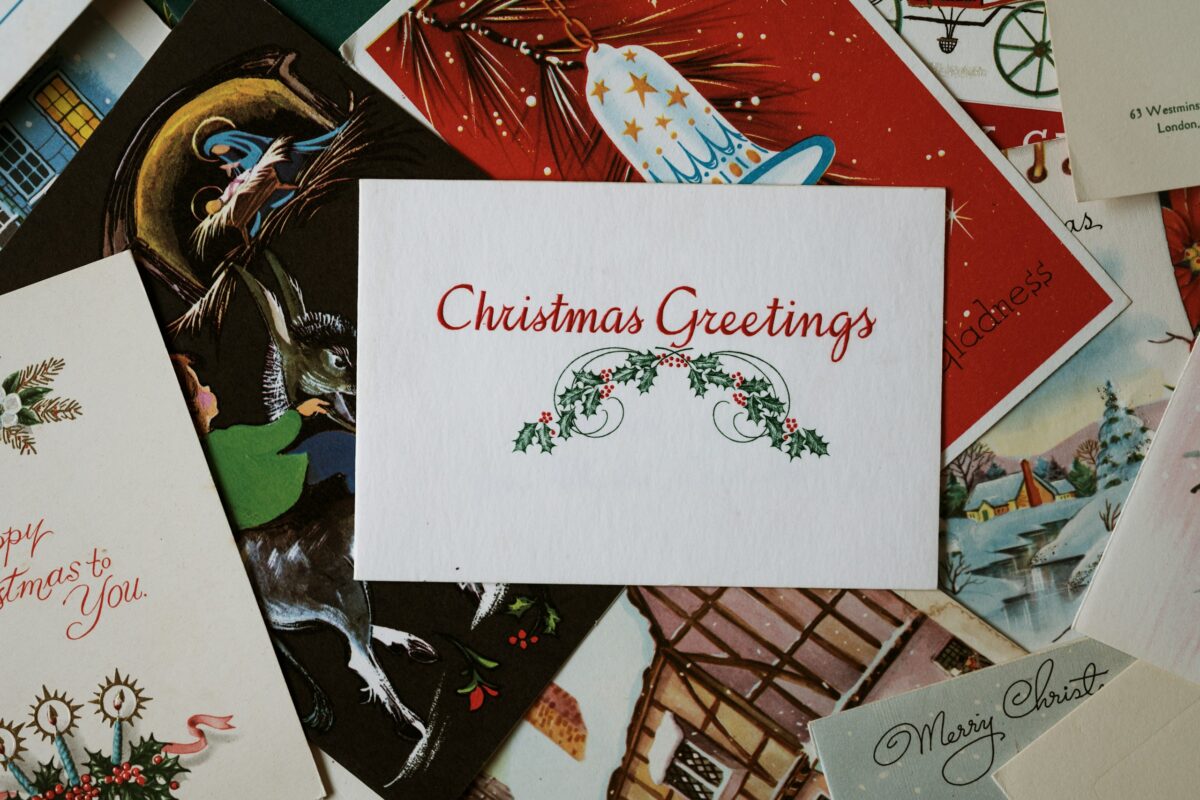
Holiday designs don’t have to stick to only red or green. You can absolutely use blues, metallics, neutrals, or soft winter pastels. Holiday cards aren’t limited to Santa red. Cooler blues, subtle metallics, creamy neutrals, and even pastels are trending. Many designers are embracing softer tones to create a calm, elevated feel.
Typography Tricks That Instantly Upgrade Your Card
Typography might be the single most underrated element in DIY card design. Choose the right typeface and suddenly everything feels more intentional. Choose the wrong one and the whole card feels off.
Fonts can make your card feel elegant, playful, modern, or messy. And we’re avoiding “messy” today.
Use No More Than Two Fonts
One for the headline, one for the message. Done.
Great pairings include:
- Serif headline + sans serif body
- Clean sans serif headline + light script accent
- Bold serif headline + minimalist sans serif block text
Avoid Trendy Script Fonts for Body Text
They may look cute but can be difficult to read, especially in print. Keep the script for short phrases like:
- “Happy Holidays”
- “Warm Wishes”
- “Cheers”
Use Hierarchy Thoughtfully
Hierarchy gives your viewer instructions on how to read your card. It tells them what’s important.
- Larger font for the greeting
- Smaller, lighter font for your message
- Consistent spacing
Your eye will know exactly where to go. If everything is bold, nothing stands out. Let your headline shine.
Choose the Right Images (This Is Where Many DIY Cards Fall Apart)
Images make or break a holiday card. If photos will be part of your card, choose ones with good lighting and simple backgrounds. Editing doesn’t need to be dramatic.
Use High-Resolution Images Only
For print, aim for 300 DPI. Anything lower risks looking blurry or grainy.
Apply Simple Editing
You don’t need Photoshop mastery for this. Try:
- Auto-lighting adjustments
- Soft contrast boosts
- Cropping using the rule of thirds
- Removing visual clutter from backgrounds
Match Photo Style to Design Style
If you’re using a minimalist layout, avoid a busy background photo. If the card features hand-drawn accents, pair them with a warm-toned or softly edited image.
Don’t Forget Emotion
People remember feelings. Your holiday card image doesn’t have to be perfect – perfection is boring anyway! It just has to be meaningful and well-framed.
Lean Into Current Design Trends
Holiday cards evolve just like any other form of visual expression. Here are a few styles that the Adobe 2024 report signals as rising favorites.
1. Minimalism
Minimalist holiday cards often include:
- One high-quality image
- A short message
- A neutral or lightly textured background
- Plenty of breathing room
2. Hand-Drawn Aesthetics
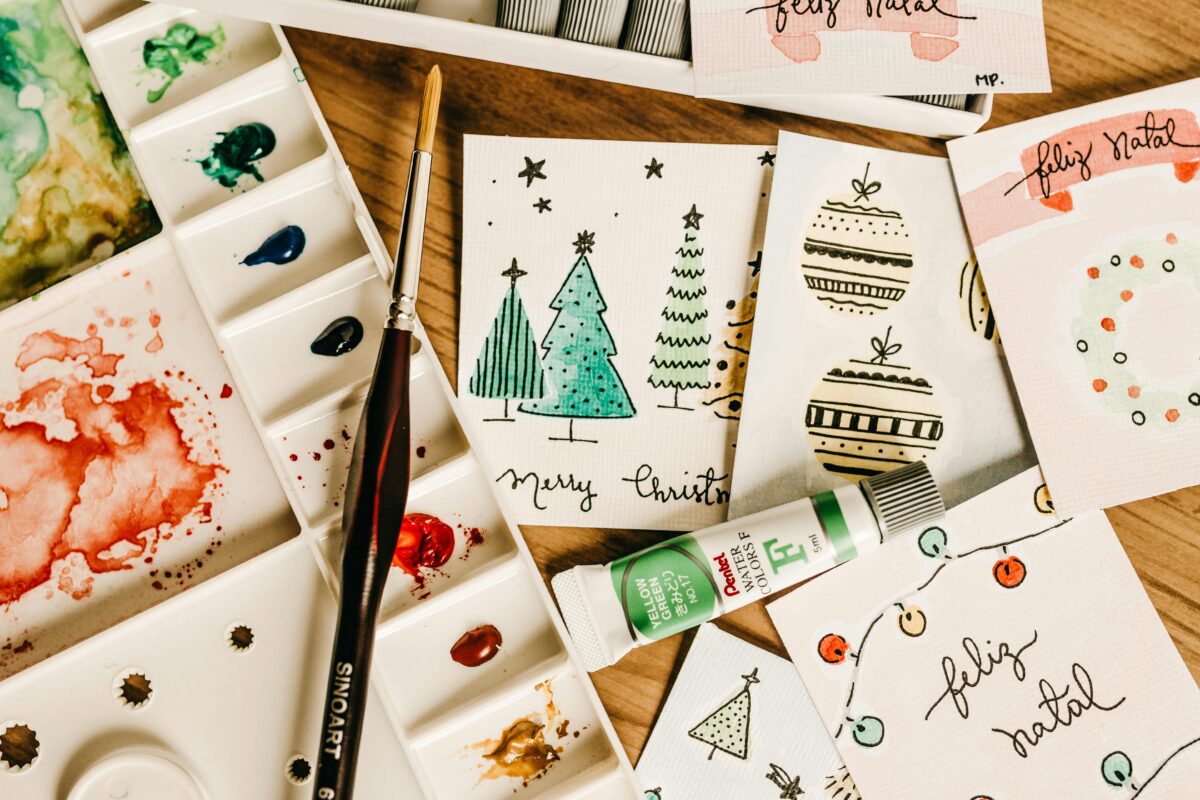
This is my personal go-to style! Hand-drawn illustrations (snowflakes, wreaths, stars) offer warmth and a human touch. They also blend beautifully with script fonts and soft palettes.
3. AI-Assisted Design Tools
AI tools can now:
- Suggest color palettes
- Provide layout options
- Remove backgrounds
- Auto-balance spacing
They’re assistants, not replacements. Think of them as digital interns who never sleep. They don’t replace your creative intent; they support it.
Step-by-Step Guide: Creating a Stunning Holiday Card
Ok, now that we covered all that, let’s simplify the whole process into a doable sequence.
- Choose your card type
Flat, folded, postcard, or digital. - Select a template or blank canvas
Templates save time; sketches help if you prefer starting fresh. - Choose your colors
Your palette acts like the card’s wardrobe. - Insert images
Adjust lighting, crop simply, and keep backgrounds clean. - Add your headline
Short and clear always works. - Write a meaningful message
Heartfelt but concise. - Choose typography
Two fonts max. - Add final details
Icons, borders, or subtle patterns. - Proofread
One typo hurts more than stepping on a LEGO. - Save and export correctly
PDF for print, PNG/JPEG for digital.
Printing Tips for a Polished Final Product
Great designs can still fall flat if the printing quality isn’t right.
Choose Quality Paper
Textured papers, matte finishes, or soft-touch coatings can elevate the feel of your cards.
Consider Premium Finishes
Many shoppers pay that 15–25% premium for cards with:
- Foil
- Embossing
- Letterpress texture
- Spot gloss
Check Bleed and Safe Areas
Most print services have guide lines; don’t skip them. They keep important text from being clipped during cutting.
Order a Sample if Time Allows
One printed proof can save you from color shifts or layout surprises.
Digital Delivery Tips (If You’re Going Paperless)
If you’re skipping physical mail this year, your holiday cards can still look impressive online.
If you’re going digital:
- Keep the width around 1200 px
- Use high resolution
- Optimize file size
- Prioritize readability
Digital cards deserve the same care as printed ones — they just arrive faster.
Mistakes to Avoid
Even well-intentioned designers fall into these traps. Skip them and your card will look noticeably sharper.
- Overcrowding the layout
Too many photos. Too much text. Too many colors. Pick one main idea and support it. - Using Low-Resolution Images
A blurry printout can ruin an otherwise thoughtful card. - Mixing Too Many Fonts
Stick to your two-font maximum. - Ignoring Margins
White space is your friend; it creates breathing room. - Choosing Distracting Backgrounds
Photos with busy or cluttered backgrounds compete with your message. - Forgetting Color Harmony
Your palette should feel intentional, not random. - Skipping the Proofreading Step
Ugh, the ultimate nightmare! One typo can haunt you.
So What’s the verdict?
You don’t need professional training to create a beautiful, polished holiday card. A little planning, thoughtful choices, and intentional design can make your greeting feel elevated, meaningful, and totally “you.” Cards don’t have to be perfect to be memorable. They just have to be heartfelt and thoughtfully put together.
And now you’ve got everything you need to make something truly lovely, minus the stress.
Remember, the goal isn’t perfection. It’s connection.

YOU MAY ALSO LIKE:
12 Christmas Card Display Ideas to DIY
Homemade Christmas Cards Tutorial
Creative DIY Gifts You Can Give at Christmas